
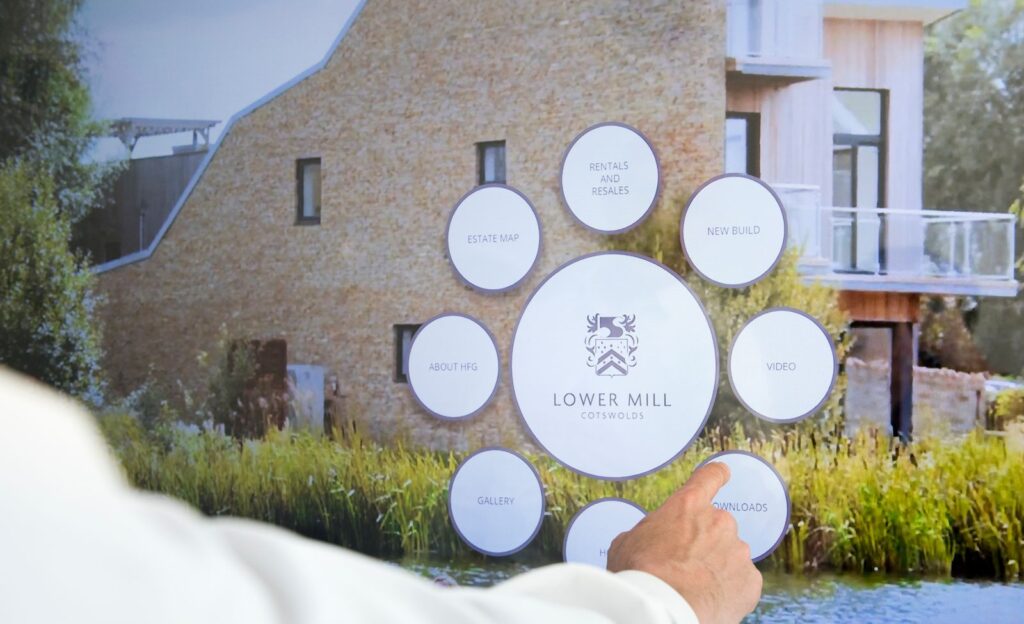
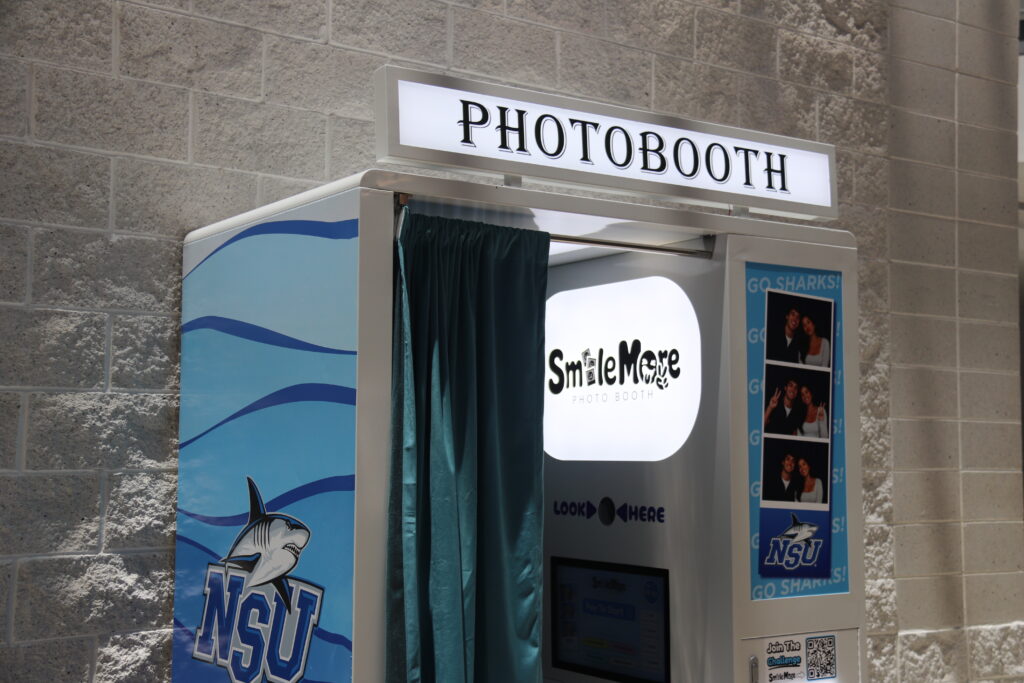
In the first week of our machine at Nova Southeastern University, we noticed something you only catch by standing nearby. Students would walk up, read the screen, and pause. Ask them afterwards and they said it was easy. Watch them, and you saw a few seconds of not knowing what to press first. That pause is the whole problem a photo booth welcome screen exists to solve.
A good welcome screen gets a stranger from curious to tapping in a couple of seconds. Below is what it needs to do, the ideas that work, and how to build one.
What a photo booth welcome screen has to do
On an attended event booth, a person can wave guests over. On a self-service booth, the screen does that job alone, so it has four tasks.
- Stop someone walking past. A little movement or a bold image does more than a wall of text.
- Show what they get. A sample strip, a GIF or a boomerang tells them the outcome before they commit.
- Offer one obvious first tap. One button, one verb, in the biggest type on the screen.
- Be honest about price. On a paid booth, put the price where the eye lands, not on the second screen.
Everything else is decoration. If a design element does not help with one of those, it is probably slowing people down.
What watching strangers taught us
The pause we saw at NSU was not a design flaw anyone would spot in a mock-up. The screen looked clean. Still, guests hesitated over which part was the button and what would happen next. So we added clear on-screen start guidance during that first week, and the first screen now tells people exactly where to begin.
Two other things stood out. First, people respond to the physical product: sample strips on the side panel did a lot of the selling before anyone touched the screen. Second, guests kept asking whether the booth was staying. That told us the welcome screen was also doing a job we had not planned for, which is reassuring people that this is a permanent fixture worth coming back to.
If you want to try these ideas on your own hardware, VertexBooth is a free download with the screen builder fully unlocked.
Photo booth welcome screen ideas that work
Lead with the output, not the logo
Your branding matters, but a guest cares about what they will hold in their hand. Put a sample strip or a looping boomerang front and centre, and keep the logo smaller.
Use a verb on the button
“Tap to start” beats “Welcome” every time. Likewise, “Take your photos” beats an icon. The button should say exactly what happens next.
Cut the choices on the first screen
Every extra option slows the first tap down, a pattern known as Hick’s law. Move filter and format choices to the next screen, where the guest has already committed.
Match the screen to the event
At a wedding, the couple’s names and the date turn a generic screen into part of the night. In a venue, a seasonal version keeps regulars from tuning the booth out.
Use motion carefully
A short looping video is a strong attract screen. However, constant flashing in a quiet lobby feels like an advert, and people learn to ignore adverts.
Start screen or welcome screen?
They are the same thing under different names. “Start screen” is common in software settings, “welcome screen” in event planning, and “idle” or “attract screen” in kiosk work. Whatever you call it, it is the screen the booth shows when nobody is using it, which on a venue booth is most of the day.
Building a photo booth welcome screen in VertexBooth
In VertexBooth, the welcome screen is simply the first screen in the guest flow, marked as the start. You design it like any other screen, with layers, alignment tools, a snap grid and guides. Buttons are placed where you want them and linked to the next step.

Two details save real embarrassment. The editor previews the screen at the booth’s actual resolution, and it warns you when an element runs past the edge of the panel. Meanwhile, a separate closed screen lets the booth tell people it is not taking sessions, rather than showing a welcome screen that does nothing. For the wider picture of what else you can change, see how custom photo booth software works in VertexBooth, or read our photo booth software comparison.
Design your welcome screen before you spend a cent
Download VertexBooth, build your idle screen, then stand back and watch someone use it. Every tool is unlocked in the free version; a watermark on the photos is the only catch until you buy the licence.
Mistakes that keep people walking past
- Too many buttons. If the guest has to choose a filter before they have even started, many will not start.
- Small type. People read a kiosk from a few steps away, not from arm’s length.
- A hidden price. Guests who find the price on screen three feel tricked and leave.
- No sign of life. A static image in a busy room looks switched off.

Once the first screen works, the print is what guests take home. Our guide to the photo booth template maker covers building templates that print cleanly.
Photo booth welcome screen questions
What should a photo booth welcome screen say?
As little as possible: what the guest gets, the price if there is one, and a single button with a clear verb. Anything else can wait for the next screen.
Should a photo booth start screen be a video?
A short loop works well as an attract screen, especially one showing real strips or boomerangs. Keep it calm in quiet rooms, and always leave the button clearly visible over the motion.
What size should a welcome screen design be?
Design at your screen’s native resolution and orientation. A landscape 1920 by 1080 panel is common, but check yours, and preview the design on the real screen before an event.
Can the welcome screen change for each event?
Yes. Most operators keep a base design and swap names, dates or colours per event. On a venue booth, a seasonal refresh does the same job.
We will keep testing first screens on our own machines, because watching real strangers is the only test that counts. Venue owners who want all of this handled for them can read how permanent photo booth installation in Florida works, or see the full story of our first month.